
Series Ovewrview Page
Updated 23 Oct 2026
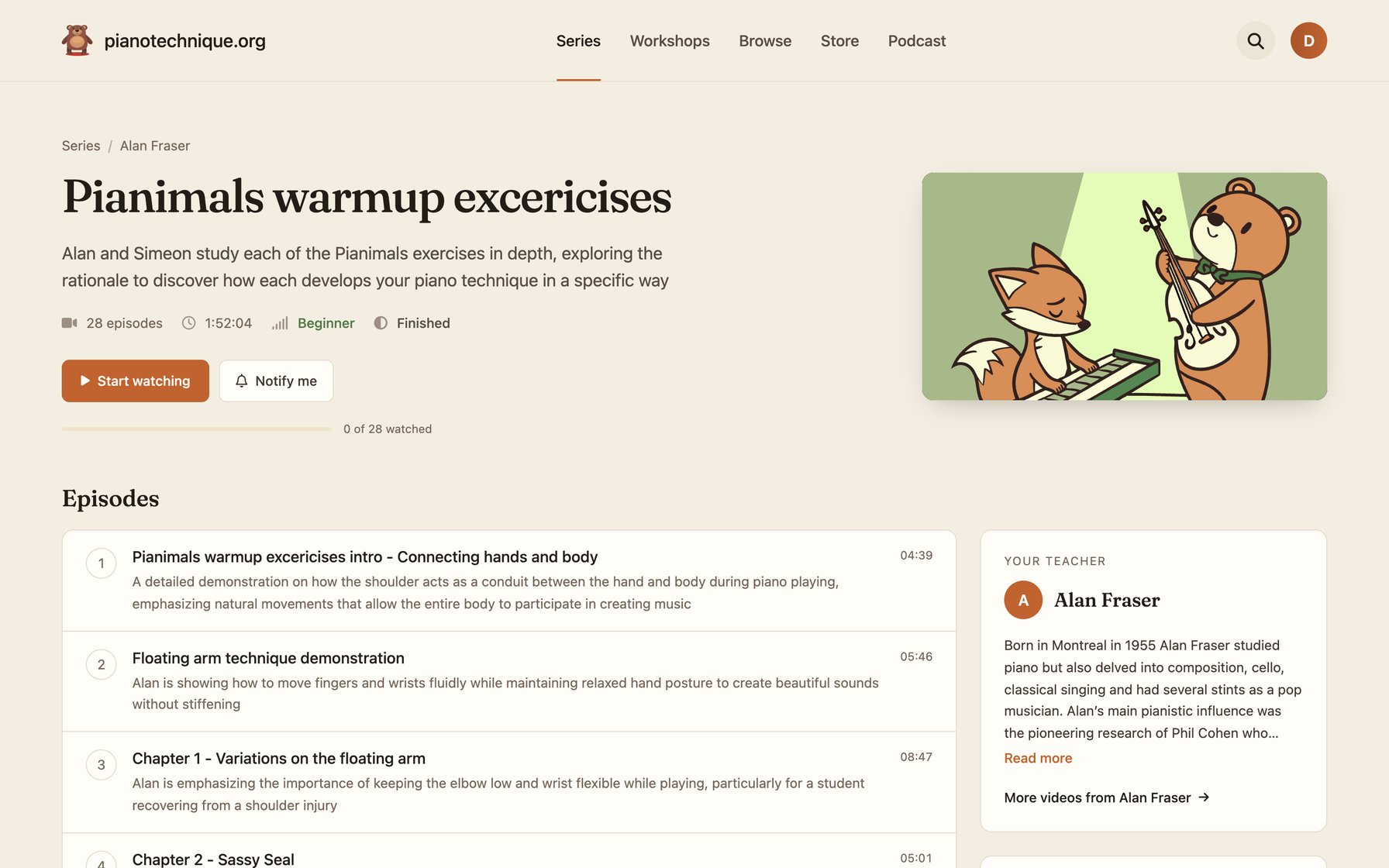
Each series has its own dedicated ovewrview page where you can see some basic information about the series, like:
On the left, there is basic information about the teacher, in this case, it's Alan. and in a small header below the title and description, you can see:
- The number of episodes
- The total playing time of the series
- The level (beginner, intermediate, or advanced)
- If the series is ongoing or completed
And right below that, you will see a list of episodes with its title, description, and play time. if the circle next to the episode number is shown in full color, that means that you have successfully completed that episode. Just like in the example below. Episode number 1 has been watched, but episode number 2 hasn't been watched yet.
Didn't find your answer?
Chat with us