
Institute Enrollment
Updated 21 Oct 2026
If you are looking to enroll into any of Alan's Institutes, you can do so by selecting the institute at our store page.
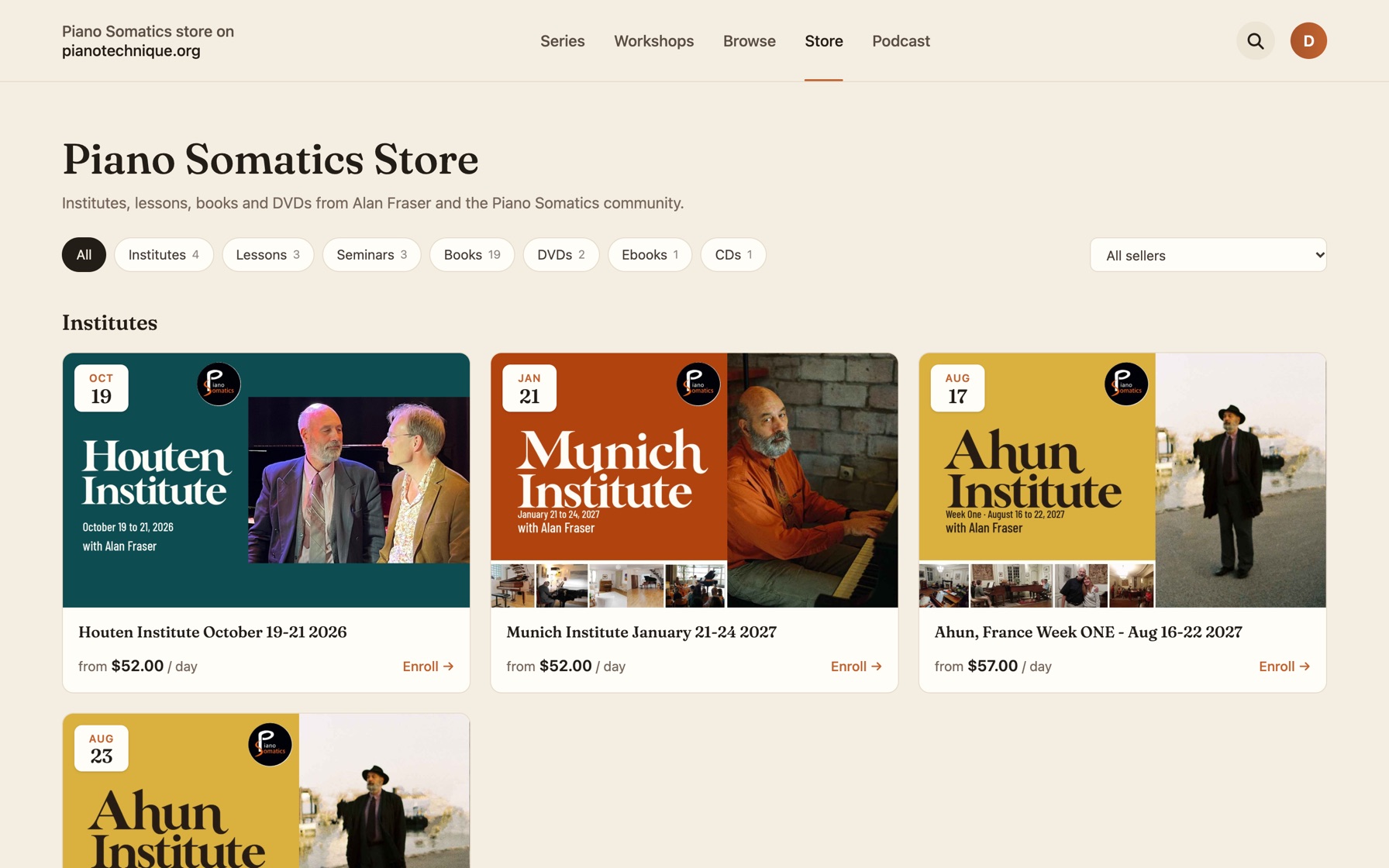
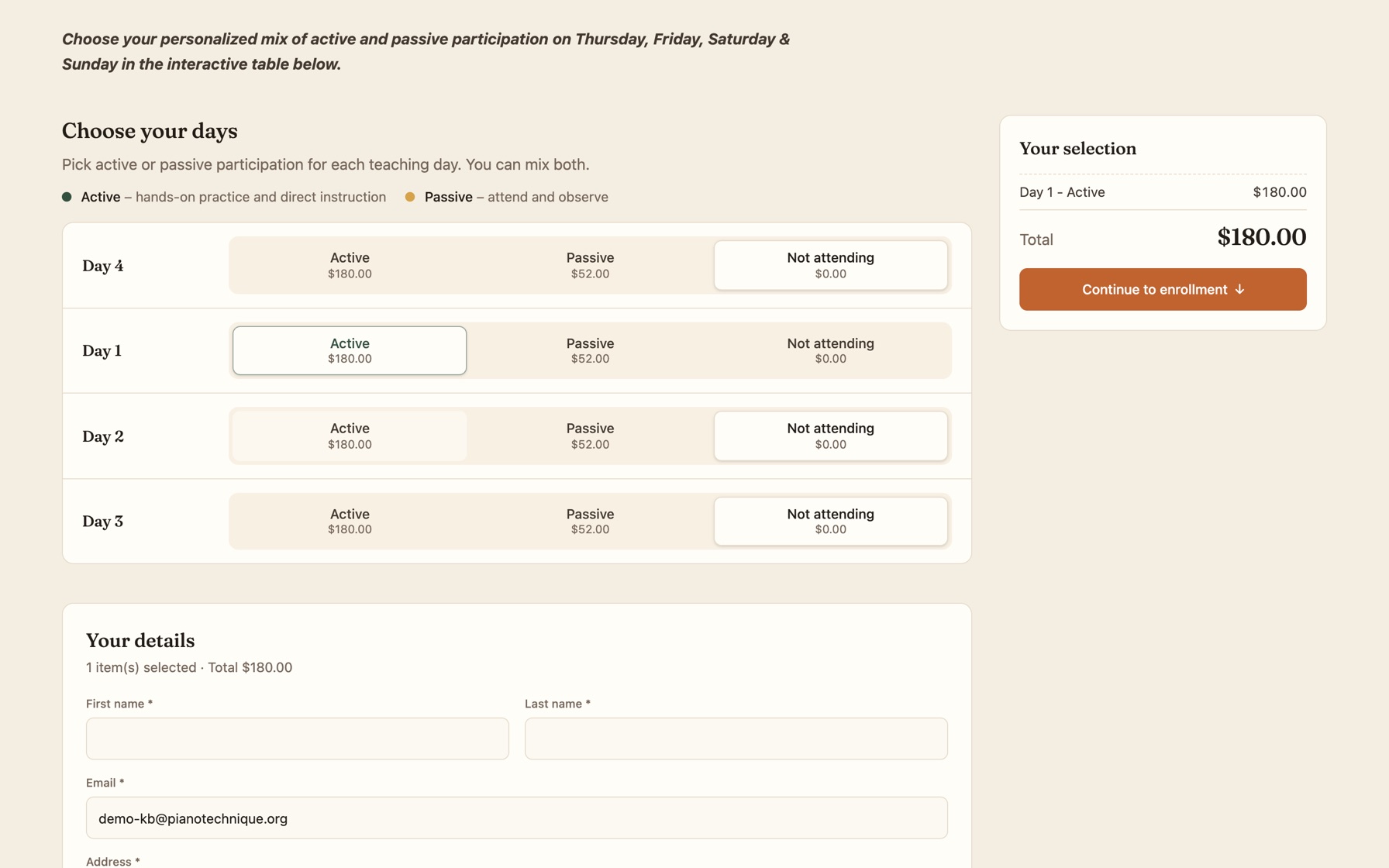
Once you open the page, you will be presented with a set of options. There will be two columns for active and passive days, and also depending on the number of days that Institute lasts. Make your selection, and then go on to the contact details and ultimately the payment details.
Once the registration or enrollment is finished, if you are an existing member, you will be able to navigate to the top menu and then click on the circle button to open up your personal menu. There, you will see My Institutes button.
If you're not a member already, an account will be made for you during the checkout process. In order to get in, you need to reset your password and then log in. Once you log in, the path is the same. Go to the top menu, click on the orange button, and you will see a menu with My Institutes.
You will also receive an email confirmation about your enrollment. And after Alan makes a schedule, you will receive a following email that confirms your enrollment.
Didn't find your answer?
Chat with us